mirror of
https://github.com/Xevion/phototag.git
synced 2026-01-31 02:25:07 -06:00

Built by Xevion
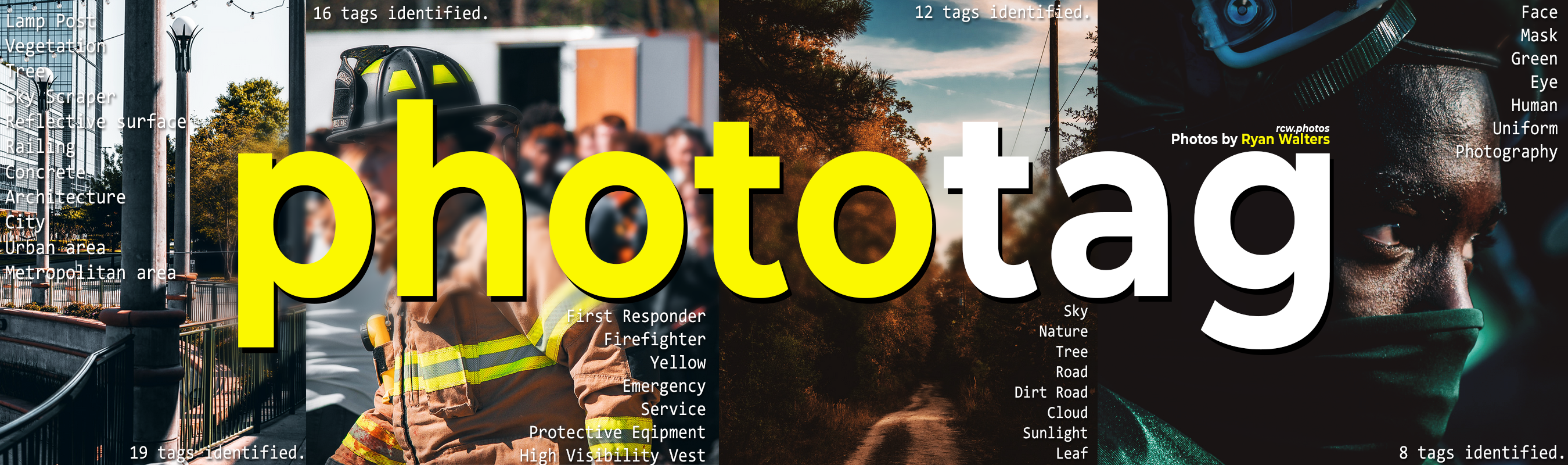
Phototag is a personal tool I use to automatically generate and layer tags describing a photo in a fast and easy way. It uses Google's Vision API and supports IPTC metadata and Adobe XMP Sidecar files on Windows.
Features
- Automatic tagging of photos using Google's Vision API
- Cheap, Fast and Accurate
- Minimal Data Usage
- Compresses and thumbnails images before sending to Google
- Support for both JPEG and RAW
- Store tags in JPEG via IPTC metadata
- Store tags in RAW files via Adobe's XMP sidecar files
- Full support for NEF only, CR2 and more untested
- Requires a existing XMP file to be available
Installation
The project is currently not on PyPi yet. Until then, clone and install like so:
pip install
For development, install all dependencies with pipenv:
pipenv install
pip install -e .  # Editable mode to use the folder's current source files
# You can also install the Phototag package with
pipenv install -e .
Usage
Documentation of all functions is included by default with the --help flag.
# Copy the JSON authentication file for Google Vision API access
phototag auth [file]
phototag run
Uninstallation
pip uninstall phototag
How does it work?
This application is built in Python and utilizes the google-cloud python module family.
The basic process for each photo be tagged is as follows
- Build relevant paths and identify important information used throughout the process
- Save RAW files as JPEG using
rawpy - Optimize JPEG files using thumbnailing and quality measures
- Open and send the file to Google using the Vision API with
google_cloud.vision - Compile and save the image's labels from Google
- JPEGs use the
iptcinfo3module to save - RAW files use a messy implementation of the
xmlmodule to read and write tags (experimental) from and to the XMP Sidecar file used by Adobe
- JPEGs use the
- Delete the temporary (optimized) file and move the original image to the output folder.
The command used to access this program is phototag run, which would process and label all eligible images in the
current working directory.
To-do
- Implement async or (proper) parallel processing to convert & tag photos faster or in batches
- Move to more precise logging system
- Test with different RAW file formats
- Stress test use with Adobe sidecar files
- Make more robust configuration file system
- Integration with click CLI
- Better, to-the-point logging